

Objectlist
The object lists define which data should be delivered to NVDB in connection with construction contracts and operating contracts.
Read more about the object lists on vegvesen.no
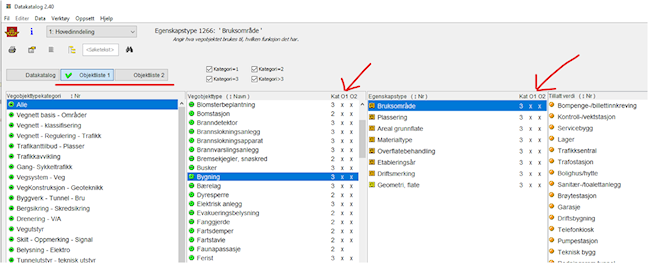
The content of the object lists can be viewed in Dakat by filtering on Object list 1 or Object list 2. The object lists can be filtered in several ways:
Input to the object lists
We welcome input and requests related to the object lists.
For questions or feedback, please use our contact form for NVDB (vegvesen.no). Select "Data questions" and tick "Data catalogue, product specifications, object list, registration guide".
In addition, separate registration forms have been established for the counties and the Norwegian Public Roads Administration in the form of spreadsheets. We ask that these are used by those who have access.